Introduction: The Revolution of AI in Visual Content Production
Artificial intelligence has completely transformed the way we create and edit visual content. Tools that once required hours of manual work can now be performed in minutes, even by creators without technical experience.
Marketers, YouTubers, social media creators and content producers now have access to technologies that up to three years ago were unique to large, expensive studios.This democratization allows anyone to produce professional videos, generate realistic images and automate repetitive tasks.
Advertisement
In this guide, we explore the most effective AI tools available on the market, their specific functionalities, use cases, and how to choose the best one for your project.
AI Video Generation: Creating from Zero
RunwayML and Synthesia: Professional Videos in Minutes
ML Runway it is a versatile platform that offers from generating videos from text to automatic editing with special effects. With models such as Gen-3 and Gen-2, you can create realistic videos from textual prompts, lasting up to 10 seconds per click.
A Synthesia you create a script, choose an avatar (there are options with diverse ethnicities, ages and styles), set the voice (with support for 140+ languages) and generate automatically. Ideal for corporate trainings, product explainers and educational content.
Both charge per use: Runway offers monthly credits (about $80-300), while Synthesis starts around $200 per month for basic plans with limits on minutes of video generated.
HeyGen and D-ID: Virtual Avatars and Presenters
HeyGen combines video generation with interactive avatars.Perfect for creating virtual presenters that speak your script with realistic lip sync.It offers ready-made templates, music library and effects.
D-ID it specializes in animating still images: you send a photo and an audio, and AI creates a video where the person in the photo speaks the content.Much used for testimonials, personalized ads and nostalgic content that reuses old images.
Automated Editing and Post-Production
Adobe Firefly and Adobe Sensei: Native Integration
Adobe Firefly'sintegrated with Premiere Pro and After Effects, it offers tools such as magical object removal, background extension, fire/smoke effects generation and automatic color correction. The great differential is to be embedded in the software that professionals already use.
THE AI Adobe Sensei's works in the background: detects scenes, suggests transitions, auto-assembles sequences and accelerates timeline editing. An experienced editor saves up to 40% of post-production time.
These features are included in Adobe subscriptions (Creative Cloud costs from $ 89/month).
CapCut and Opus Clip: Quick Edition for Social Media
CapCut (now with free desktop version) automates mute cutting, high-energy scene detection, music-compliant rhythm editing, and even auto-subtitle generation with AI. The interface is extremely accessible for beginners.
Clip Opus converts long videos into short clips optimized for TikTok, Instagram Reels and YouTube Shorts. The AI identifies the most interesting moments, adds captions, effects and even text suggestions for sharing. Free with a limit of 1-2 videos/week.
Image Generation and Editing with AI
Midjourney, DALL-E 3 and Stable Diffusion: Artistic Creation
Midjourney master in aesthetic quality of generated images.Connected to Discord, you write prompts and receive 4 variations in high resolution. It costs R $ 60-180 per month, depending on the volume of images generated.
DALL-E 3 (OpenAI) integrates with ChatGPT and automatically refines prompts for better results. Cobra R$ 2-3 per image in high resolution.
Stable Diffusion it is open-source and free if you use locally or platforms like Hugging Face. It allows full customization of models and is preferred by professionals who need control and repeatability.
Photoshop Generative Fill and Inpainting
Photoshop now includes Generative Fill, which allows you to describe changes in images naturally. Want to extend the background of a photo? Remove an unwanted person? Add objects? AI does in seconds, maintaining coherence of lighting and texture.
This feature eliminated the need to learn advanced cloning and manual masking techniques for most tasks.
Automation of Subtitles, Audio and Scripts
Fireflies, Descript and Otter.ai: Transcription and Audio Editing
Fireflies automatically records and transcribes meetings (Zoom, Teams, Google Meet). Summarizes key topics and allows word search.Free plan covers up to 1 hour/month; paid starts at $ 60.
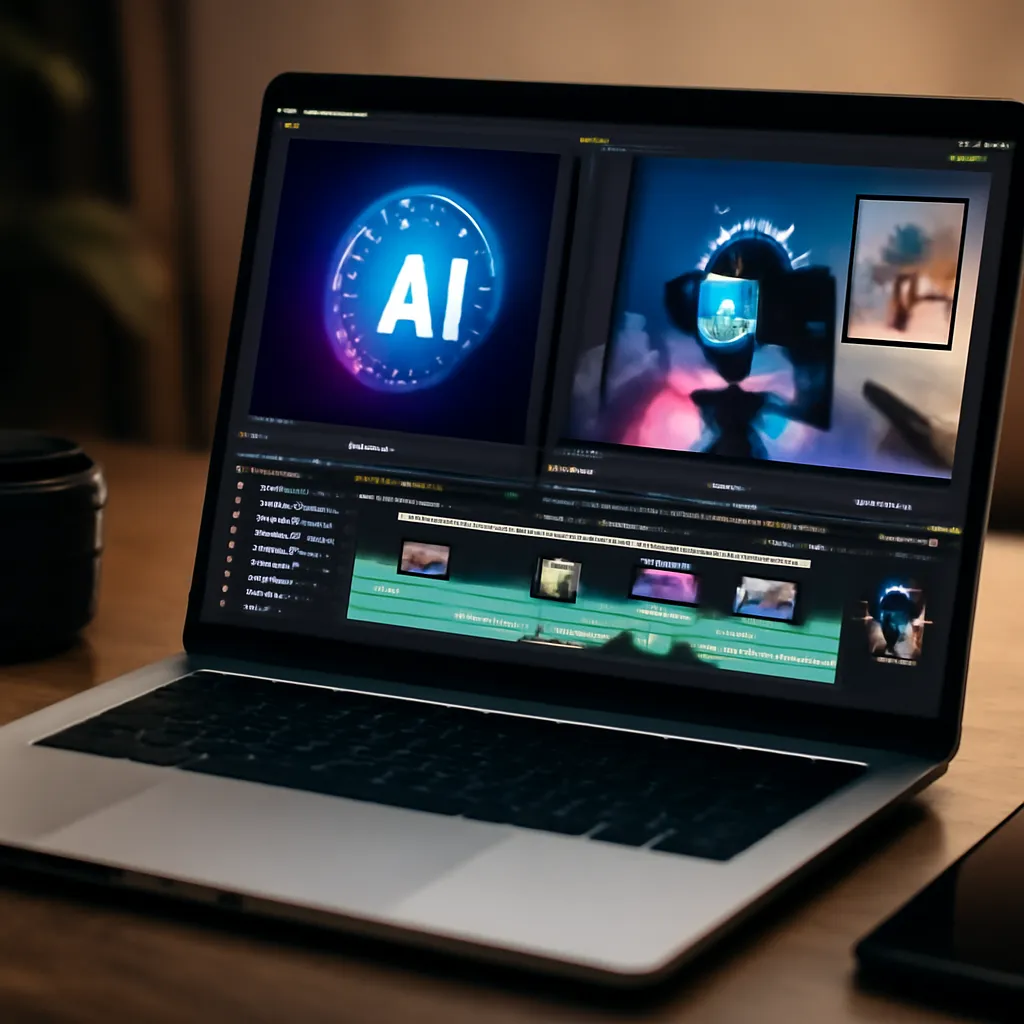
Descriptive works like a video editor, but for audio. You edit the transcribed text and the audio syncs automatically. Removes fill words ("ahh", "hmm"), detects silent snippets and generates captions with intelligent punctuation.
Otter.ai transcribes in real time with 98% accuracy (in English; portuguese has ~95%). Integrates with popular apps and costs from R $ 80/month.
ChatGPT for Scripts and Scripts
You can use ChatGPT or Claude to generate structured scripts, add humor, adapt tone, or create multiple versions of a video. Combine with specific prompts: "Create a 2-minute script for a YouTube video about [theme] in the [creator style] style".
Models like GPT-4 offer enough quality for informative scripts and, with human editing, for premium content.
Integrated Platforms: All in One Place
DaVinci Resolve (Free) and Loom (Cloud Based)
DaVinci Resolve it is free and includes AI for old video upscaling, audio noise removal, and automatic color grading.The Studio version (R$80 single) adds audio fusion with AI and transcription.
Loom it specializes in screencasts with AI that automatically summarizes videos and creates searchable transcripts. Perfect for tutorials, onboarding and documentation.Starts free; paid comes out for $75-150.
Canva Pro and Piktochart: Quick Design
Canva Pro's now offers AI image generation within the platform (integration with Stable Diffusion) and video templates with automatic effects.For R $ 80/year you can access Magic Design, which suggests text-based layouts.
Piktochart automates the creation of infographics and visual presentations from data. Ideal for converting statistics into beautiful graphics without design expertise.
How to Choose the Right Tool for Your Project
Define Your Use Case
For short videos and social networks: CapCut, Opus Clip, TikTok Editor (with integrated AI).
For explanatory videos and training: Synthesia, HeyGen, or generation with Runway.
For advanced professional editing: Premiere Pro with Firefly, DaVinci Resolve.
For image generation: Midjourney (quality) or DALL-E 3 (integration with ChatGPT).
To contain podcast/audio: Descript, Otter.ai.
Consider Cost x ROI
Free tools like CapCut, DaVinci Resolve and OpenAI (via initial credits) allow you to test workflows without initial investment. Only migrate to paid plans when you validate that the tool saves time repeatedly.
For monetized creators (YouTubers, agencies), investing R$ 200-500/month in a combo of Runway, Descript and Premiere Pro returns quickly in productivity.
Testing Before Investing
Most tools offer limited free version or trial. Allocate 1-2 hours testing with your own content before signing. Output quality matters more than amount of functionality.