
Introduction: Why NVMe SSD is Essential in 2024
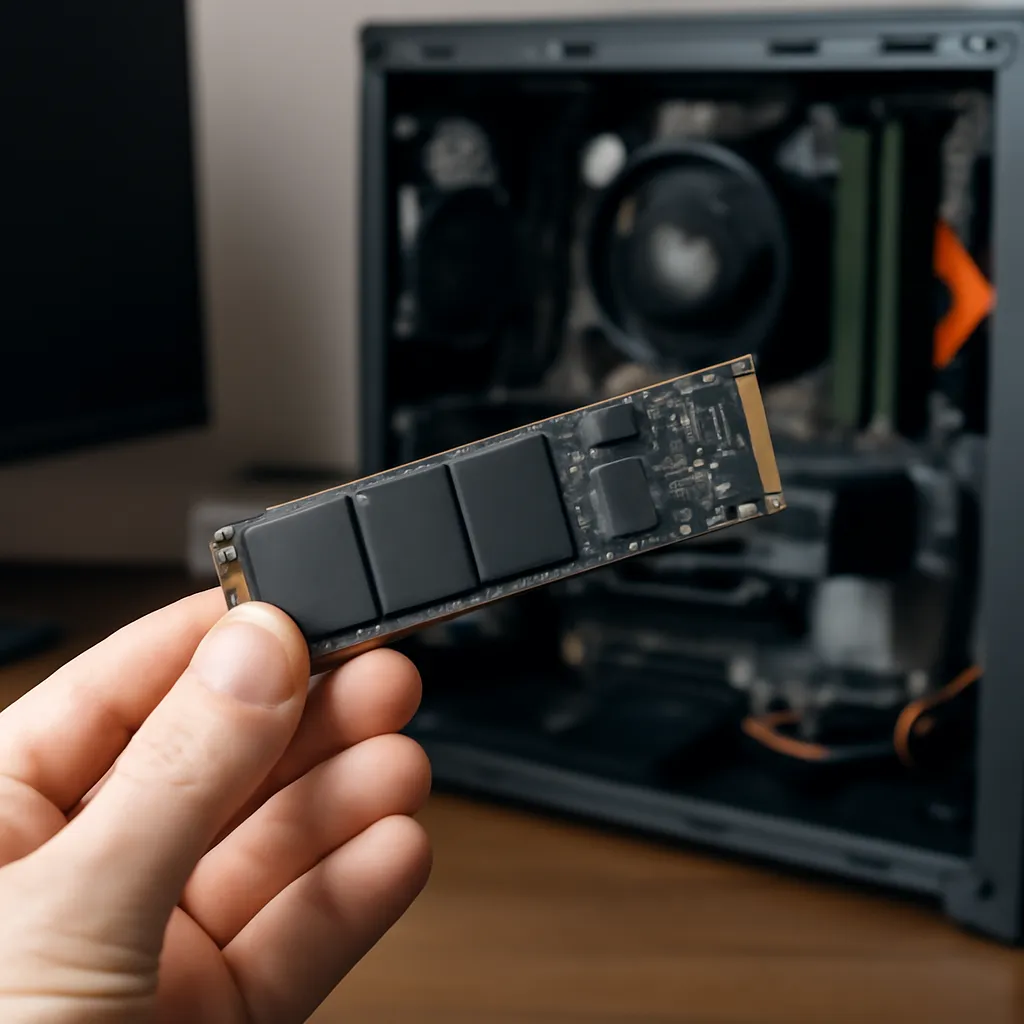
The NVMe SSD has become the mandatory standard for any modern computer.If you still use a SATA SSD or, worse, a mechanical HD, it is leaving performance on the table.In 2024, prices dropped significantly, making the upgrade affordable even for tight budgets.
But here's the problem: the market is full of confusing options, with technical names that scare those who don't understand hardware.This guide decodes every specification important for you to make a reasoned decision.
Advertisement
Understand the Main Technical Specifications
Reading and Writing Speed
Speed is measured in MB/s (megabytes per second). A good NVMe in 2024 offers at least 3,500 MB/s of sequential reading. Top-of-the-line models reach 7,000+ MB/s. In practice, this means that a 100 GB game loads in seconds, not minutes.
For most users (games, light video editing, office work), 3,500 to 5,000 MB/s is more than enough. Higher speeds matter mainly if you work with professional 4K video or massive daily data transfers.
Response Time (Latency)
IOPS latency (input/output operations per second) is less visible than sequential speed, but it affects overall system responsiveness. A good NVMe should have latency below 0.1 ms. This ensures that the system responds quickly when opening programs and accessing small files.
Protocol: PCIe 3.0, 4.0 or 5.0
PCIe 3.0 still works well in 2024, offering speeds up to 3,500 MB/s. PCIe 4.0 is the current gold standard, with theoretical limits of 7,400 MB/s. PCIe 5.0 is ultra-modern, but its practical advantage is still limited, as SSD controllers cannot saturate all bandwidth.
Storage Size: How Much You Really Need
In 2024, the offer is 250GB, 500GB, 1TB, 2TB, 4TB and beyond. The recommendation varies by use:
- 250-500GB: Only for extremely casual users or as second drive. Very tight for modern gaming.
- 1TB: Recommended standard.Fits operating system plus 10-15 large games, or equivalent amount of professional work.
- 2TB: Ideal if you play regularly or work with design/video. It offers tranquility of space.
- 4TB+: For professionals working with heavy media or streamers storing content locally.
Also consider that SSDs with less than 20% free capacity tend to slow down. If you buy a 1TB SSD, assume that it has about 800GB useful after Windows OS and system reservation.
Trusted Brands and Models in 2024
Premium Range
Samsung 990 Pro, Corsair MP600 Core XT and WD Black SN850X are the gold choices.They offer top-of-the-line PCIe 4.0 speeds (7,000+ MB/s), 5-year warranties and reliable technical support. The price is 15-20% above average, but the cost/benefit is justifiable for those who want maximum performance and peace of mind.
Intermediate Range (Best Cost-Benefit)
Kingston NV2, Crucial P5 Plus and Sabrent Rocket 4 Plus offer excellent performance (5,000+ MB/s) at prices 30-40% lower than premium.These models are perfect for most users: real performance delivery without paying unnecessary premium.
Economic Range
Models like Kingston A3000, ADATA SU800 and HP EX900 still use PCIe 3.0 with speeds up to 3,500 MB/s. They are legitimate and reliable, but in 2024 the price difference for PCIe 4.0 models has shrunk so much that we recommend spending a little more and getting ahead.
Thermal Throttling and Heat Dissipation
NVMe SSDs generate significant heat during sustained read/write. Most modern drives come with heat sink (heatsink), which is essential. throttling: when the temperature exceeds 80°C, the drive automatically reduces speed to protect itself.
If you plan to use the SSD on a PS5, Xbox Series X or a PC without good airflow, check maximum temperature specifications. Drives with larger passive sinks resist better. Consider adding a cheap case fan (R$ 30-50) if your PC gets warm.
Compatibility: Motherboard, Enclosure and BIOS
Before buying, confirm: your motherboard has M.2 slot (most have)? Which PCIe version does it support (3.0, 4.0, 5.0)? NVMe PCIe 4.0 models work on PCIe 3.0 slots, but the speed drops to 3,500 MB/s there is no damage, only loss of potential.
Older motherboards may require BIOS update to recognize brand-new SSDs. This is rare, but it is worth checking on the manufacturer's website.If in doubt, choose a brand with excellent compatibility (Samsung, Corsair) that rarely causes such problems.
Warranty, Reliability and Cost per GB
In 2024, the standard warranty is 5 years for top-tier drives. Avoid unknown brands offering only 3 years. SSD reliability is excellent overall & failure rates are below 1% but the warranty provides psychological safety and real protection.
Compare the price per GB: a 1TB SSD costing $350 is better than a 500GB for $220. Make the quick count (price ÷ capacity in GB) to avoid falling into pricing traps.
Final Tip: When to Buy and Where
SSD prices fluctuate, especially during Black Friday (expected in November) and year-end sales. If you are not in a hurry, waiting for these dates can yield discounts of 20-30%. Buy at large retailers with good return policy: Amazon, Kabum, Pichau or Newegg, which offer consumer protection.
In short: choose between 1-2TB, prioritize PCIe 4.0, opt for consolidated brands in the middle range, and do not spend premium on specifications that you will not use. With these simple guidelines, you will ensure an SSD that will offer real and durable performance for the next 5+ years.